Work orders
Every job, from the request to the finished record, with its owner, due date, parts and procedure.
A job on a whiteboard is a job nobody can check on. In Koidra every job has a machine, an owner and a due date, and once it is done it stays in that machine’s history.
How it works
-
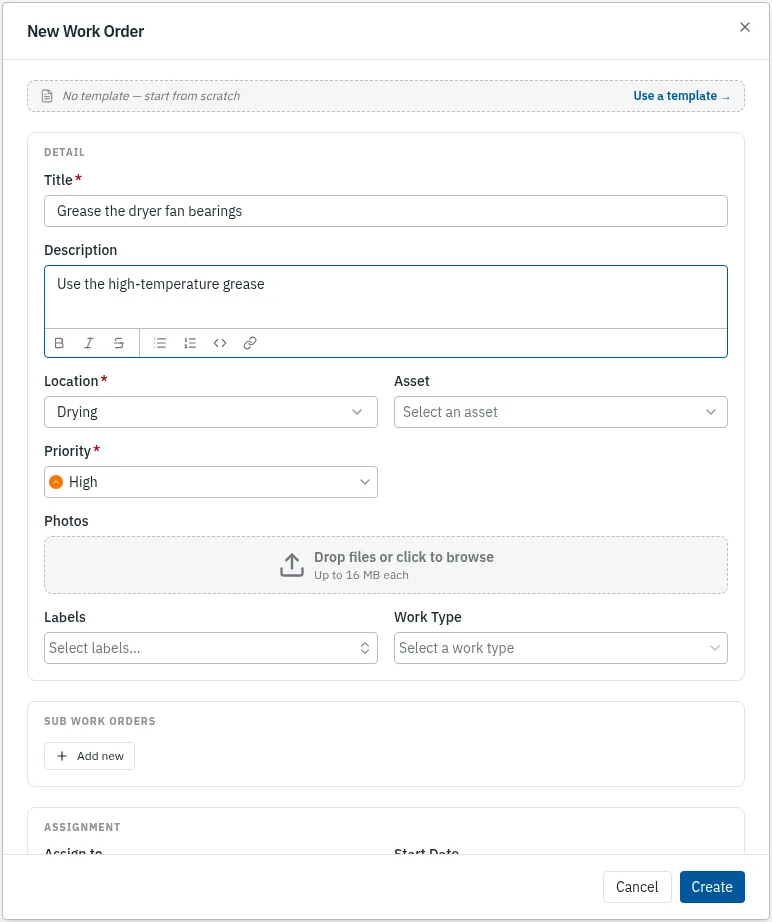
Raise the job
Give it a title, a due date and the machine or area it is for. Add the priority, who does it, the parts it needs and the procedure to follow. A template fills all of that in for work you raise again and again.
Web app 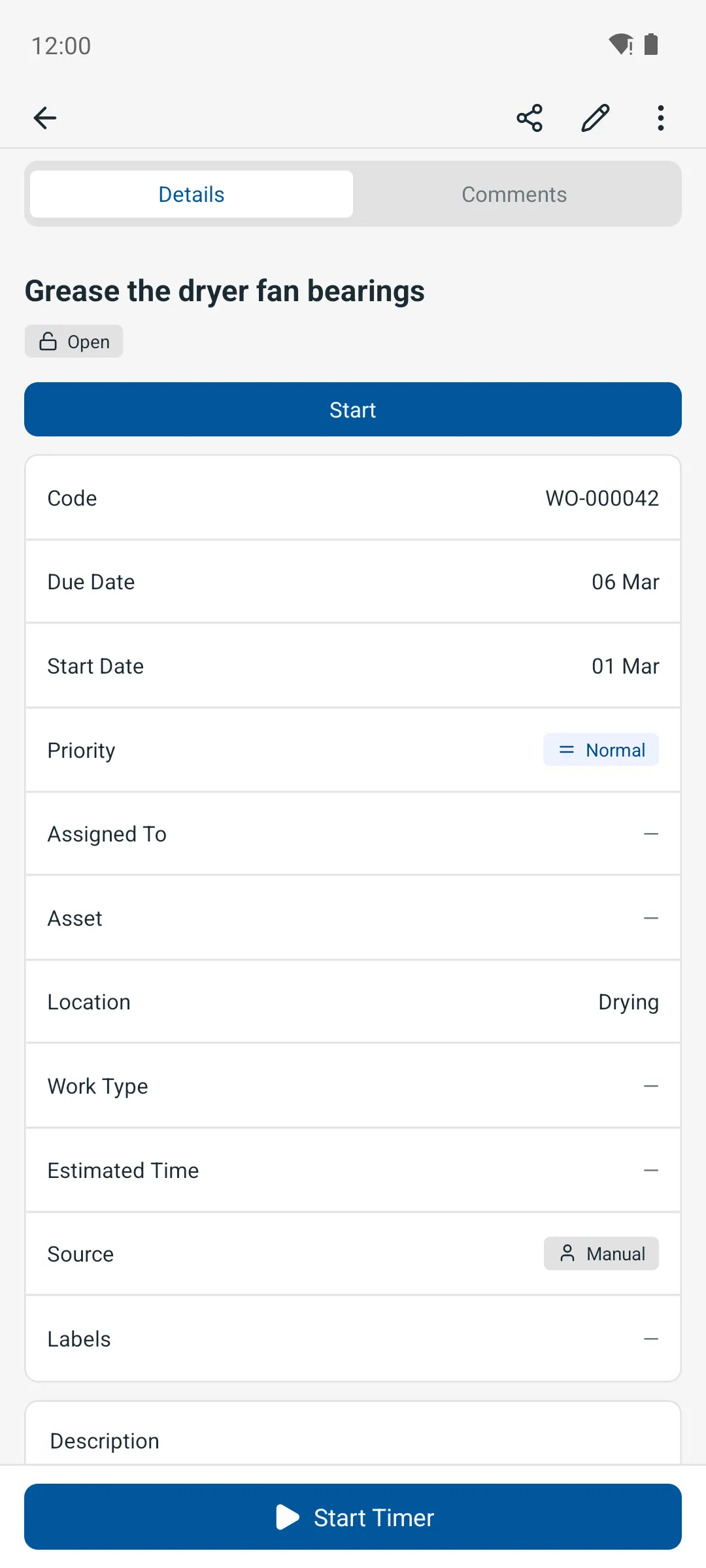
Phone app -
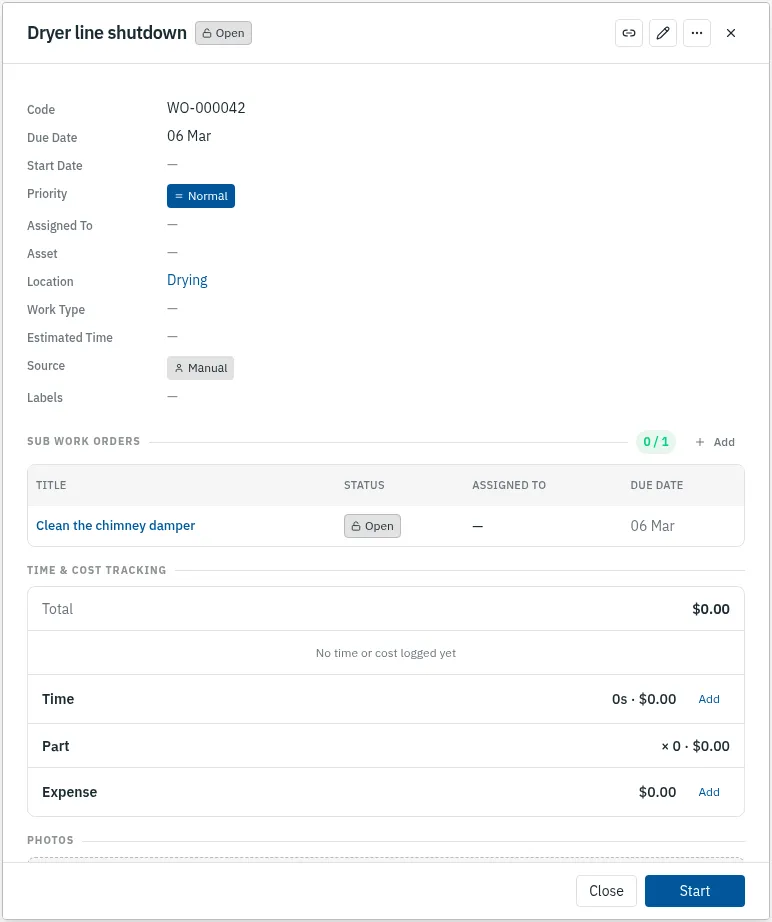
Split a big job
A large repair becomes sub-work-orders, each with its own owner, and the main job cannot be completed while any of them is open.
Web app 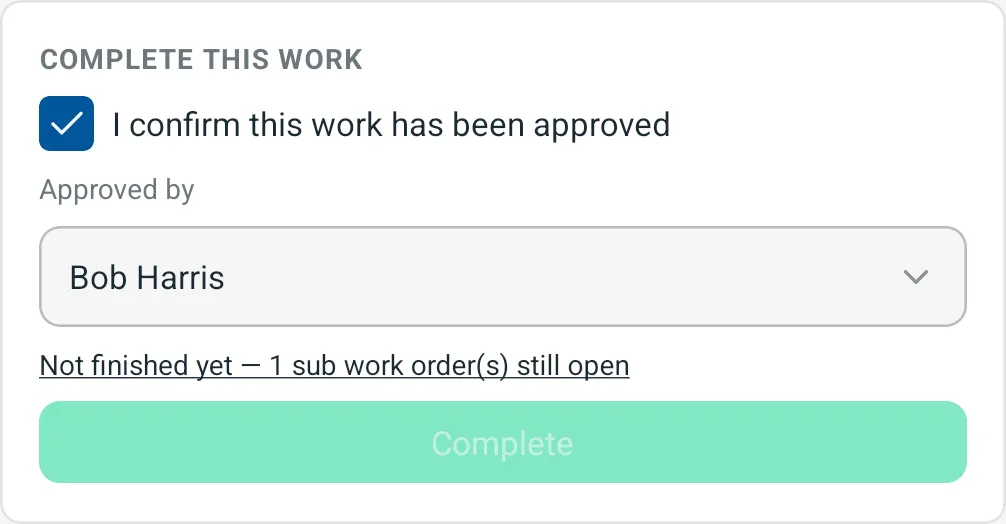
Phone app -
Close it with an approver
When the work is done, the job is completed with the name of the person who approved it, or sent to that person to approve first. Either way it moves into the machine’s history.

Web app 
Phone app
More features
- Preventive maintenance
- Inspection routes
- Procedures and checklists
- Assets and QR labels
- Downtime tracking
- Spare parts and stock
- Parts delivery
- Phone app that works offline
- Maintenance KPIs
- Rotating assets
- Meter readings from PLC and SCADA
- Follow-up jobs from failed checks
- ERP and accounting sync
- Predictive maintenance