
Downtime tracking
Each machine keeps its uptime, unplanned downtime and planned downtime, recorded when it stops.
Unplanned downtime is the cost a maintenance team exists to cut. Recorded on the machine when it stops, planned or not, it becomes a total you can read machine by machine, instead of an estimate at the end of the month.
How it works
-
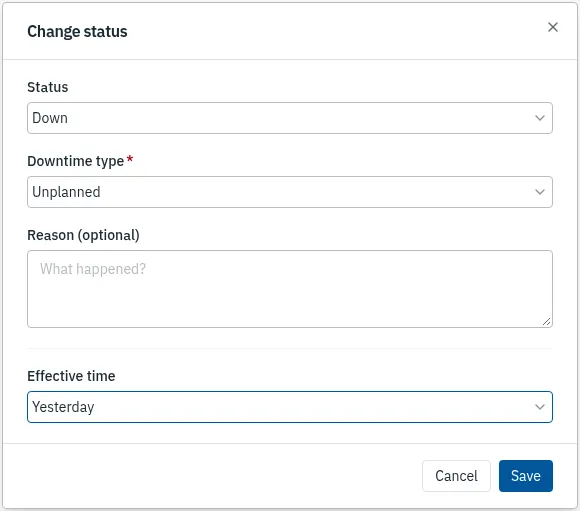
Mark the machine down, and say why
When a machine stops, change its status to Down and choose Unplanned for a breakdown or Planned for scheduled work. Set when it stopped: now, an hour ago, yesterday or last week.
Web app 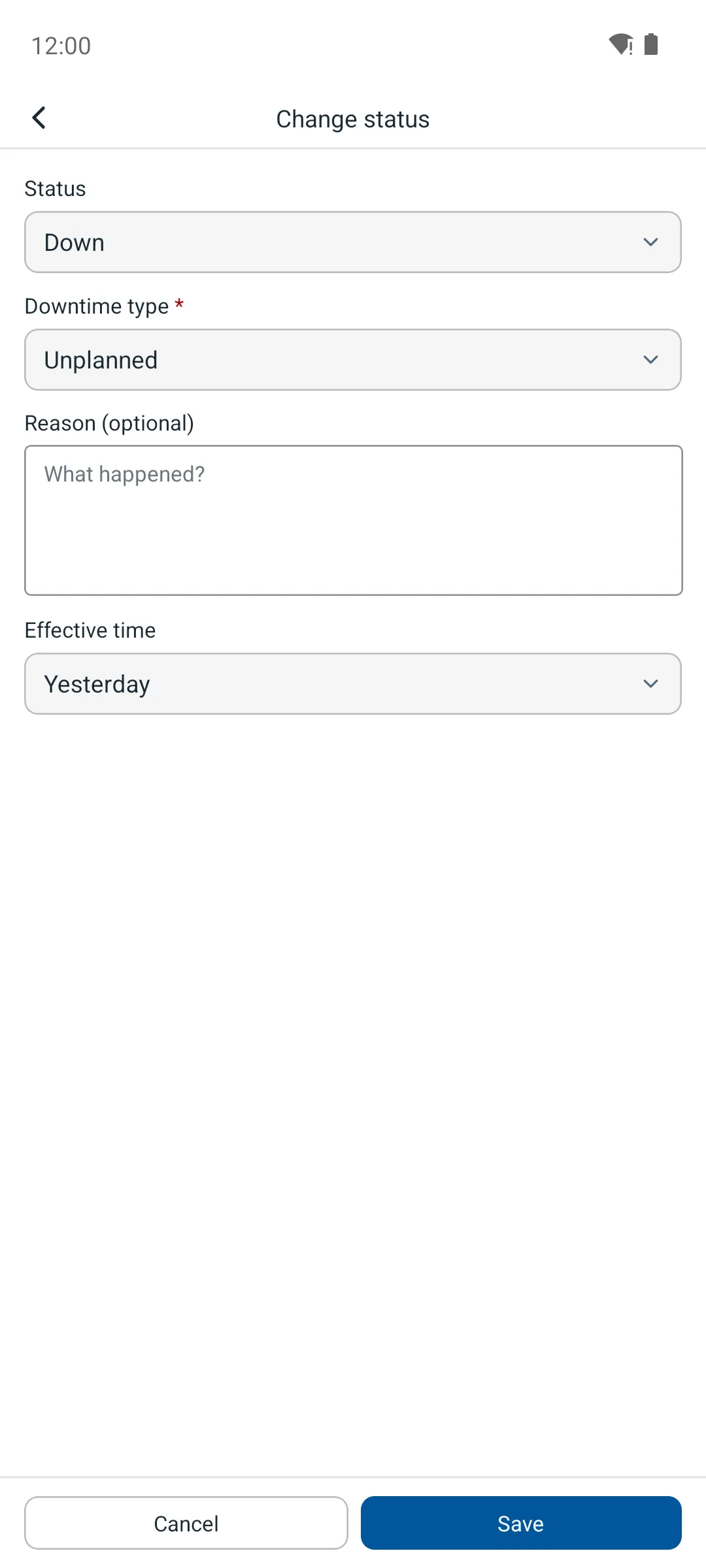
Phone app -
Every hour lands in the right total
The machine’s history adds up its uptime, its unplanned downtime and its planned downtime, so the breakdowns stand apart from the work you chose to do.

Web app 
Phone app -
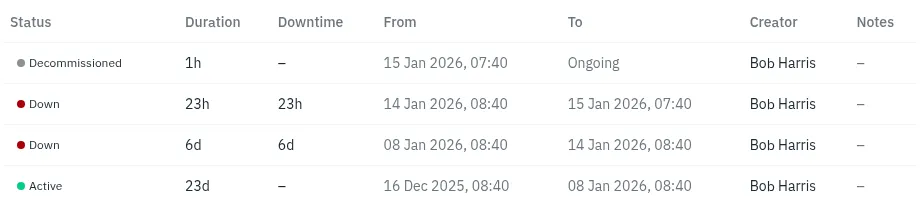
Every change, who made it and when
Each status change is kept with the person who made it and the time it took effect, so the totals can be checked line by line.
Web app 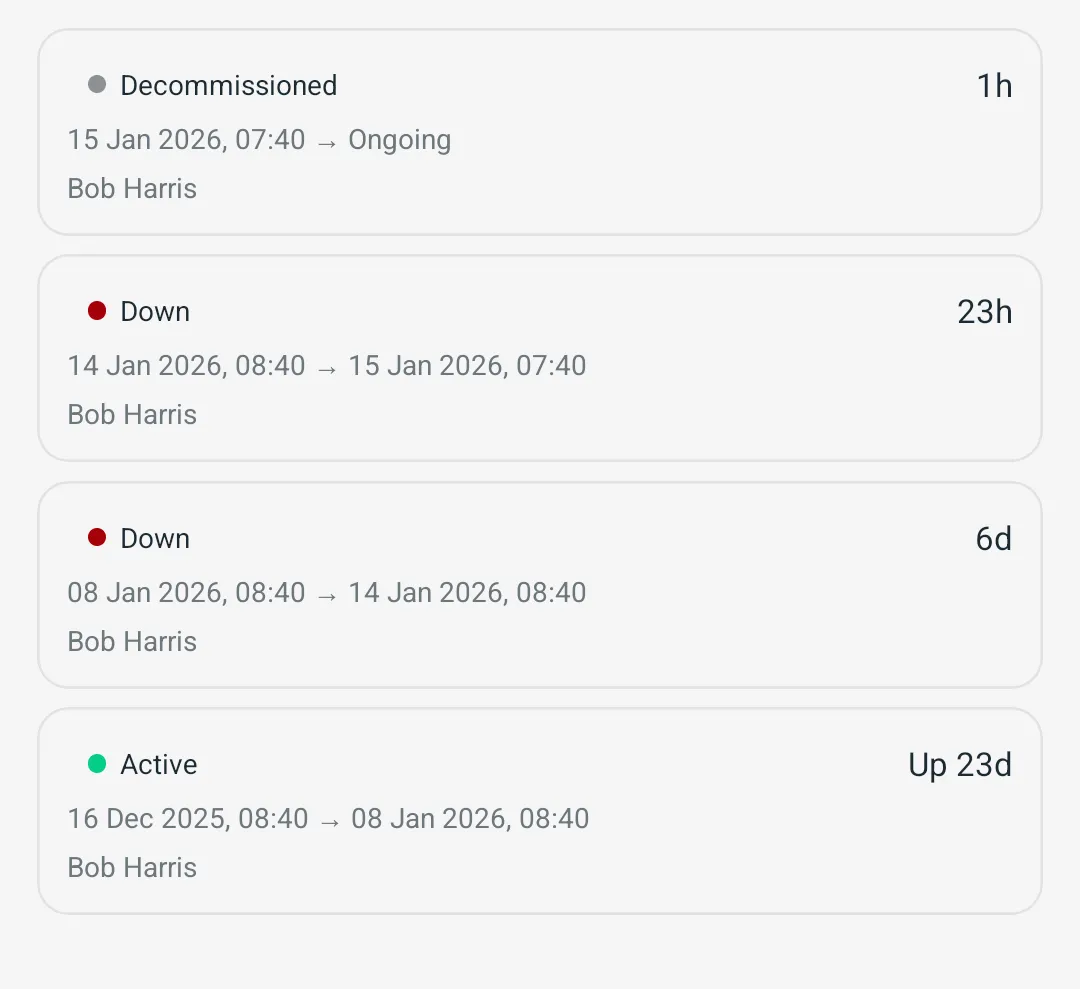
Phone app
More features
- Work orders
- Preventive maintenance
- Inspection routes
- Procedures and checklists
- Assets and QR labels
- Spare parts and stock
- Parts delivery
- Phone app that works offline
- Maintenance KPIs
- Rotating assets
- Meter readings from PLC and SCADA
- Follow-up jobs from failed checks
- ERP and accounting sync
- Predictive maintenance