
Parts delivery
The storeroom sees what each job needs today and this week, and a job starts with its parts in hand.
A technician who walks to the store and waits is a machine that stays down longer. The storeroom sees what every open job needs and when, and hands the parts over before the work starts.
How it works
-
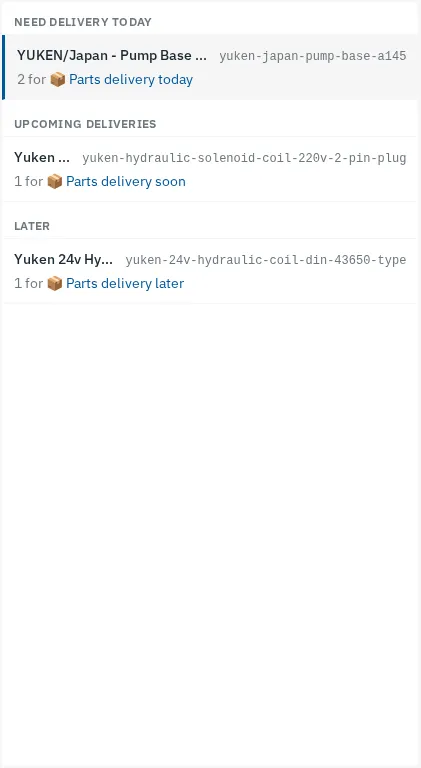
The storeroom's list, by when it is needed
The delivery view lists every part an open job is waiting for, under today, the next seven days, and later. Each part shows its stock.
Web app -
Each part shows the jobs that need it
The lines under a part show how many each open work order is asking for, and lead to that job.
Web app -
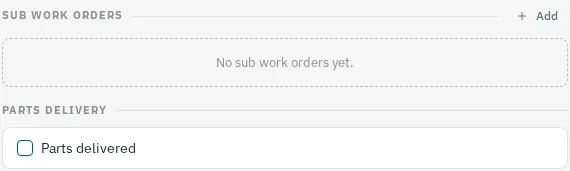
Stock leaves the shelf at handover
Ticking Parts delivered on the job takes the parts out of stock, and the job drops off the list. A job with parts waits for them before it can start.

Web app
More features
- Work orders
- Preventive maintenance
- Inspection routes
- Procedures and checklists
- Assets and QR labels
- Downtime tracking
- Spare parts and stock
- Phone app that works offline
- Maintenance KPIs
- Rotating assets
- Meter readings from PLC and SCADA
- Follow-up jobs from failed checks
- ERP and accounting sync
- Predictive maintenance